

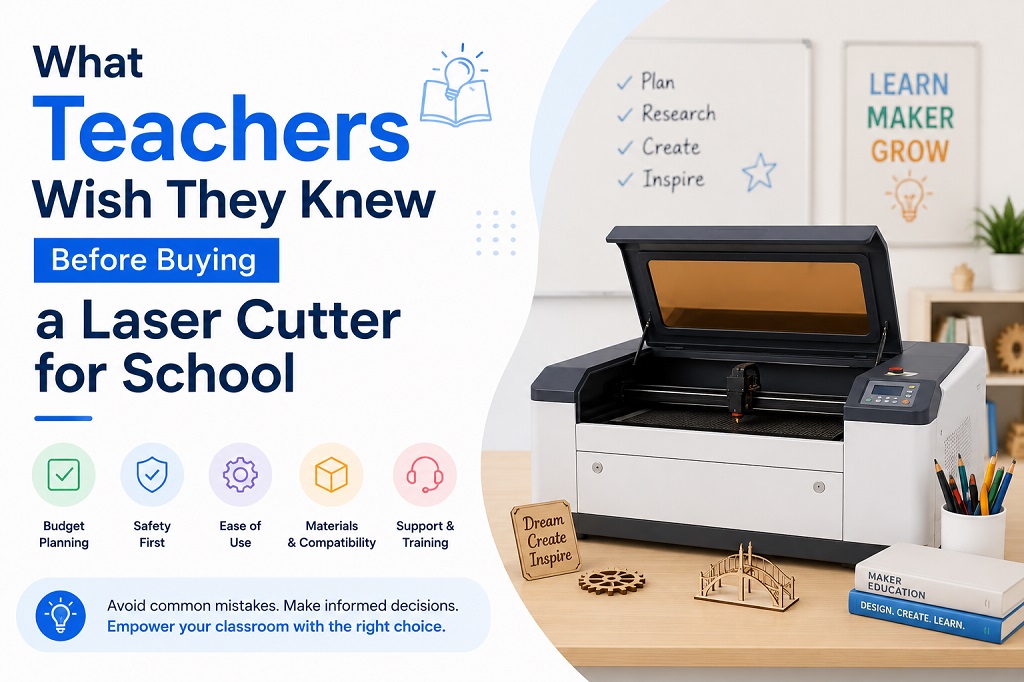
In the modern STEM, design, and technology classroom, few tools generate as much student excitement as a laser cutter. From turning 2D vector drawings into intricate 3D architectural models to creating custom school signage, the educational possibilities are boundless.
However, behind every smoothly running school makerspace is a teacher who likely learned some hard lessons along the way. Buying a laser cutter for an educational institution is vastly different from buying one for a home garage or a commercial factory.

If you are currently evaluating laser cutters for your school—or preparing to chat with technology providers at events like EDUtech Australia—here are the critical insights experienced educators wish they had known before signing the purchase order.
1. Safety is Not Just a Feature—It’s the Law
In a home workshop, a small error means ruined material. In a school, a safety oversight can compromise student well-being and trigger strict Work Health and Safety (WHS) audits.
Many teachers initially look at affordable desktop diode lasers, only to realize too late that their open-frame designs are a massive liability in a room full of inquisitive students.
-
What to look for instead: Schools require a Class 1 lasersafety rating. This means the laser operates inside a fully enclosed, light-tight housing with safety interlock switches that instantly kill the laser beam the moment the lid is opened.
-
The Smart Choice: Systems like the OMTech Polar or the Pronto Series are engineered with these exact institutional safety protocols built-in, providing total peace of mind for educators supervising up to 30 students at once.
2. Fume Extraction is Half the Battle
When a laser cuts organic materials like plywood, acrylic, or leather, it isn’t actually “cutting”—it is vaporizing the material using extreme thermal energy. This process generates dense smoke, ultra-fine particulates, and volatile organic compounds (VOCs).
A common regret among STEM coordinators is buying a powerful laser but underestimating the exhaust system, resulting in a classroom that smells like a campfire and triggers school smoke alarms.
-
The Reality Check: You cannot simply stick a flexible duct out of a slightly opened classroom window; Australian school indoor air quality standards are incredibly strict.
-
The Solution: Budget for a dedicated, multi-stage fume extractor. A true laser filteranlage (like the OMTech XL series) uses a three-stage system: a pre-filter for heavy wood dust, a HEPA filter for microscopic hazardous particles, and a massive activated carbon bed to completely neutralize odors. This allows for safe, eco-friendly indoor recirculation without losing climate-controlled air.
3. Avoid Contentious Cloud Software
Many educational technology brands lock schools into proprietary, cloud-based software ecosystems. While this sounds convenient, it frequently turns into an IT department’s worst nightmare. Cloud software often requires expensive ongoing per-student subscription fees, requires a flawless internet connection to function, and frequently gets blocked by strict school network firewalls.
-
The Teacher’s Preference: Experienced educators overwhelmingly prefer LightBurn. It is a locally installed, plattform-independent application (running flawlessly on Windows and macOS) that operates entirely offline.
-
The Long-Term Win: LightBurn uses a transparent, perpetual educational license model—no recurring monthly fees. Teachers can teach vector design offline, save
.svgor.dxffiles to a USB drive, and run the laser seamlessly even if the school’s Wi-Fi goes down.
4. Material Versatility Dictates Classroom Engagement
A laser cutter that can only engrave cardboard will quickly lose its charm. To keep senior design and technology students engaged, the machine needs to handle structurally sound materials.
-
Diode vs. CO2: While budget diode lasers can slowly engrave wood, they struggle to cut through thicker materials and completely fail when trying to cut clear or blue acrylic due to the physics of light wavelengths.
-
The CO2 Advantage: A 50W to 60W CO2 laser cutter is the sweet spot for schools. It easily slices through 6mm to 10mm plywood and cast acrylic in a single pass, enabling students to build functional engineering prototypes, enclosures, and high-quality artistic displays.
5. Maintenance and Local Support Mean Zero Downtime
In a school environment, a machine that is down for three weeks waiting for a replacement lens or a tech support call from overseas is a disaster for lesson planning and assessment deadlines. Laser cutters have consumable parts—mirrors, focal lenses, and the laser tube itself will eventually need maintenance.
-
Before You Buy: Ask the vendor where their spare parts are shipped from. Do they have local inventory? Do they provide clear, native-language technical documentation and video guides that a school IT technician can easily follow?
Next Steps for School Decision-Makers
Introducing a laser cutter to your curriculum doesn’t have to be a trial-by-fire experience. By prioritizing enclosed Class 1 safety, robust multi-stage filtration, and reliable local support over gimmicky cloud features, you can build a highly successful STEM space that lasts for years.